 Alphelo
Free background remover that runs in your browser
Remove the background from any photo and download a transparent PNG at full resolution. No sign-up, no watermark, and your photo never leaves your device.
- Runs on your device: nothing is uploaded
- Free, with no account and no watermark
- PNG at the size of your photo, up to 50 megapixels
or drop a file, or paste an image with Ctrl+V / ⌘V
JPG, PNG or WebP, up to 50 MB. Your photo stays on your device.
No photo at hand? Try one of these:

See the result before you try
Drag the slider to compare. These are real results from Alphelo, made on a computer with the same model you get in your browser.
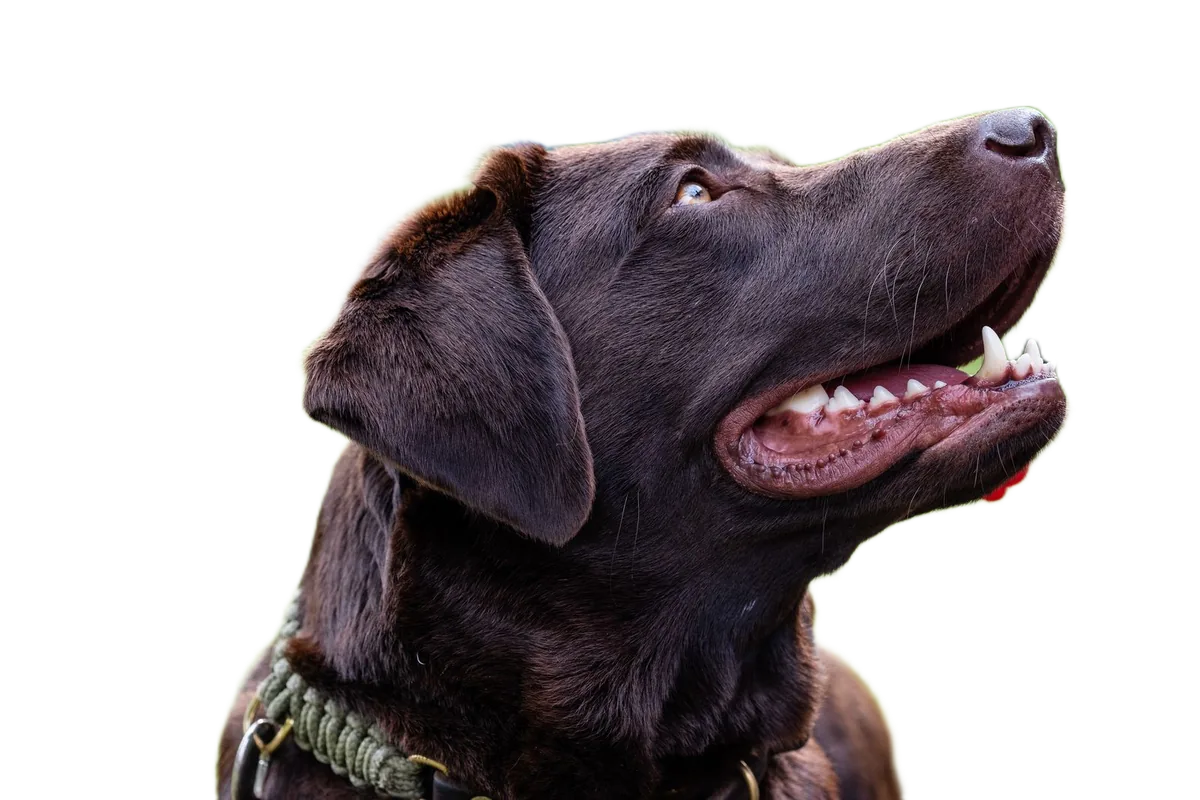
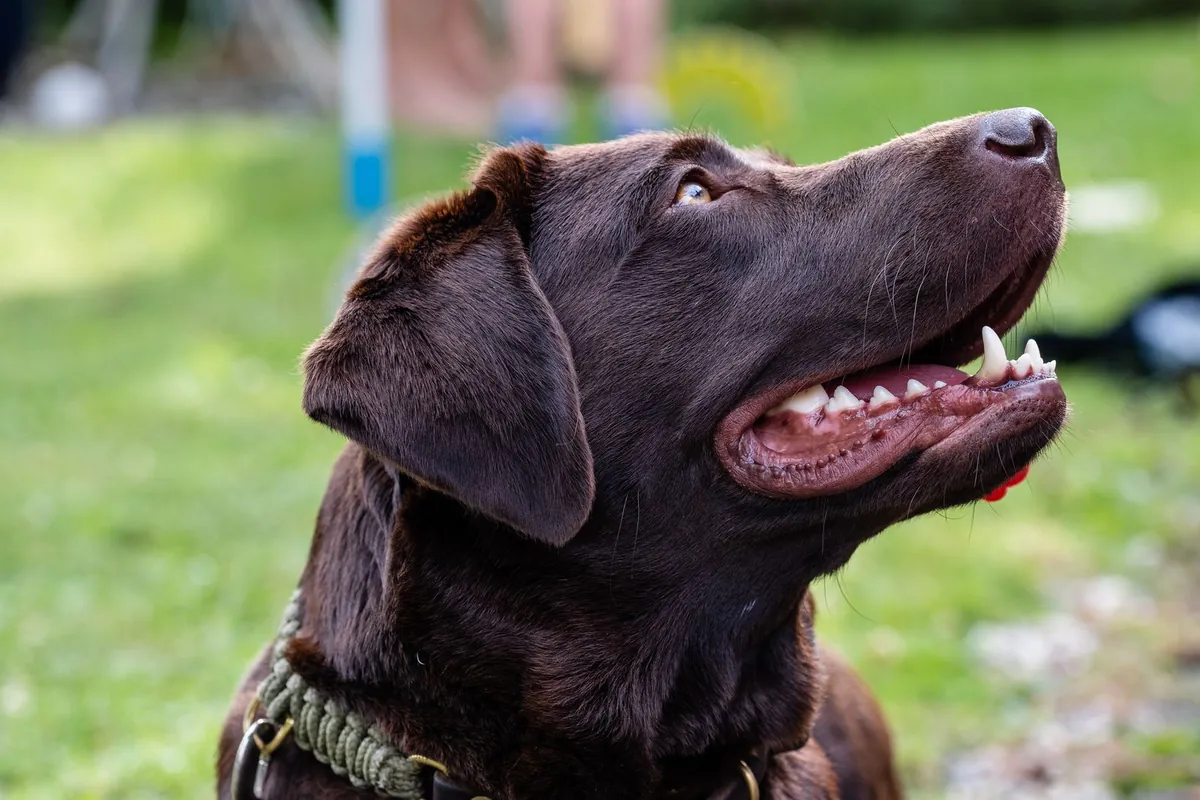
How to remove a background in 3 steps
Add a photo
Drop it, paste it with Ctrl+V / ⌘V, or choose it from your phone or computer. JPG, PNG and WebP work.
Wait a few seconds
An AI model running on your device finds the subject and removes the background.
Download the PNG
You get a transparent background at the same size as your original photo. On phones you can also share or save it directly.
Private by design: your photo is never uploaded
With Alphelo, the AI model is downloaded to your browser once and runs on your own device. Your photo is never sent anywhere, so we cannot see, store or recover it. Alphelo sets no cookies and uses no analytics or ads. Details are in our privacy policy.
Free, with no account and no watermark
There are no credits to buy, no sign-up and no watermark on the result. Use it as often as you like.
Good to know
- First use: your browser downloads the AI model once (about 125 MB). On mobile data, Wi-Fi is a good idea. After that it stays on your device.
- Speed: it depends on your device. In our tests on a computer without a graphics card, one photo took about 4 to 9 seconds, plus the one-time model download.
- Best results: photos with a clear subject: people, products, animals, cars.
- Limits: glass and transparent objects can fail, and fine hair or fur may keep a thin halo. One photo at a time, up to 50 MB and 100 megapixels. No new backgrounds or editing tools yet.
Questions
Is Alphelo really free?
Yes. There is no account, no credits, no watermark and no paid plan.
Are my photos uploaded?
No. The AI model runs inside your browser, on your own device. Your photo is never sent to a server, so we never see it.
Why is the first photo slower?
The first time, your browser downloads the AI model (about 125 MB). It is then kept on your device, so it does not need to be downloaded again, even after you close the page (unless you clear the site data in your browser).
What size is the result?
A transparent PNG at the full resolution of your photo. On phones, tablets and computers with little memory, very large photos (over 16 megapixels) are scaled down so the browser does not run out of memory. On other computers the limit is 50 megapixels.
Which photos work best?
Photos with a clear subject: people, products, animals, cars. It can fail on glass and other transparent objects, and fine fur or hair may keep a thin halo from the original background.
Can I add a new background or a white background?
Not yet. Alphelo removes the background and gives you a transparent PNG. Adding colours or new backgrounds is not available.
Can I process many photos at once?
Not yet. Alphelo handles one photo at a time, and there is no API.
Do I need to install an app?
No. Alphelo is a web page. Open it in a modern browser on your phone or computer.