 Alphelo
Product photos on a white background, in seconds
Remove the background from your product photo and get a 1600 × 1600 px image on white, with a soft shadow under the product. Free, no sign-up, and your photos never leave your device.
- 1600 × 1600 px, white background, soft shadow
- Up to 20 photos at a time, downloaded in one ZIP
- Free, no account, nothing is uploaded
or drop a file, or paste an image with Ctrl+V / ⌘V
JPG, PNG or WebP, up to 50 MB each, up to 20 photos at once. Your photos stay on your device.
No photo at hand? Try one of these:
Your photos

JPG cannot be transparent: choose a background to download a JPG.
See the result before you try
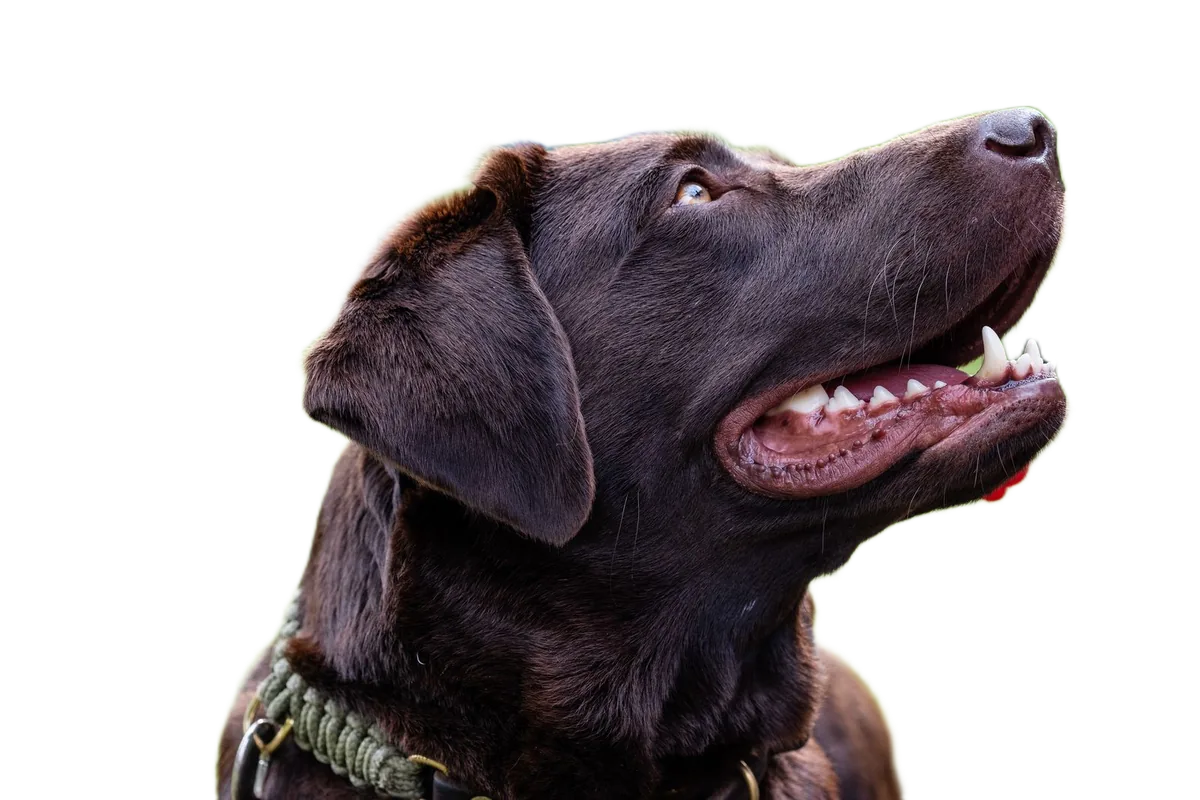
Drag the slider to compare. These are real results from Alphelo, made on a computer with the same model you get in your browser.

How to make a product photo in 3 steps
Add your product photos
Drop them in, paste them, or choose them from your computer or phone. Up to 20 at a time.
Check the result
The Product photo format is already selected: white background and a soft shadow. Turn the shadow off or change its strength, or pick another background colour.
Download
Download each photo as PNG or JPG, or all of them in a ZIP file.
Private by design: your photo is never uploaded
With Alphelo, the AI model is downloaded to your browser once and runs on your own device. Your photo is never sent anywhere, so we cannot see, store or recover it. Alphelo sets no cookies and uses no analytics or ads. Details are in our privacy policy.
Free, with no account and no watermark
There are no credits to buy, no sign-up and no watermark on the result. Use it as often as you like.
Tips for better product photos
Photograph the whole product on a plain surface in even light, and leave some space around it. Glass and transparent products can fail, and thin parts such as straps or chains may need a touch with the brush: open Edit cutout to erase leftovers or restore parts.
Check the rules of where you sell
A clean white background is a common look for online shops, but each shop or marketplace has its own image rules. Alphelo does not check any of them, so read the requirements where you will upload the photos.
Questions
What size is the product photo?
1600 × 1600 px, with the product centred on a white background and a soft shadow underneath. You can turn the shadow on or off.
Can I process many products at once?
Yes, up to 20 photos at a time (10 on devices with little memory). They are processed one after another on your device, and you can download all of them in a ZIP file.
Will the photo be accepted by my online shop?
Alphelo does not check the rules of any shop or marketplace. Check the image requirements where you will use the photo.
Are my product photos uploaded?
No. The AI model runs inside your browser, on your own device, so your photos are never sent to a server.