 Alphelo
Turn any photo into a sticker for WhatsApp or Telegram
Remove the background, add an outline and download a 512 × 512 px sticker: a WebP under 100 KB for WhatsApp, or a PNG for Telegram. Free, no sign-up, and your photo never leaves your device.
- Transparent 512 × 512 px sticker with an outline
- WebP kept under 100 KB for WhatsApp, PNG for Telegram
- Free, no account, nothing is uploaded
or drop a file, or paste an image with Ctrl+V / ⌘V
JPG, PNG or WebP, up to 50 MB each, up to 20 photos at once. Your photos stay on your device.
No photo at hand? Try one of these:
Your photos

JPG cannot be transparent: choose a background to download a JPG.
See the result before you try
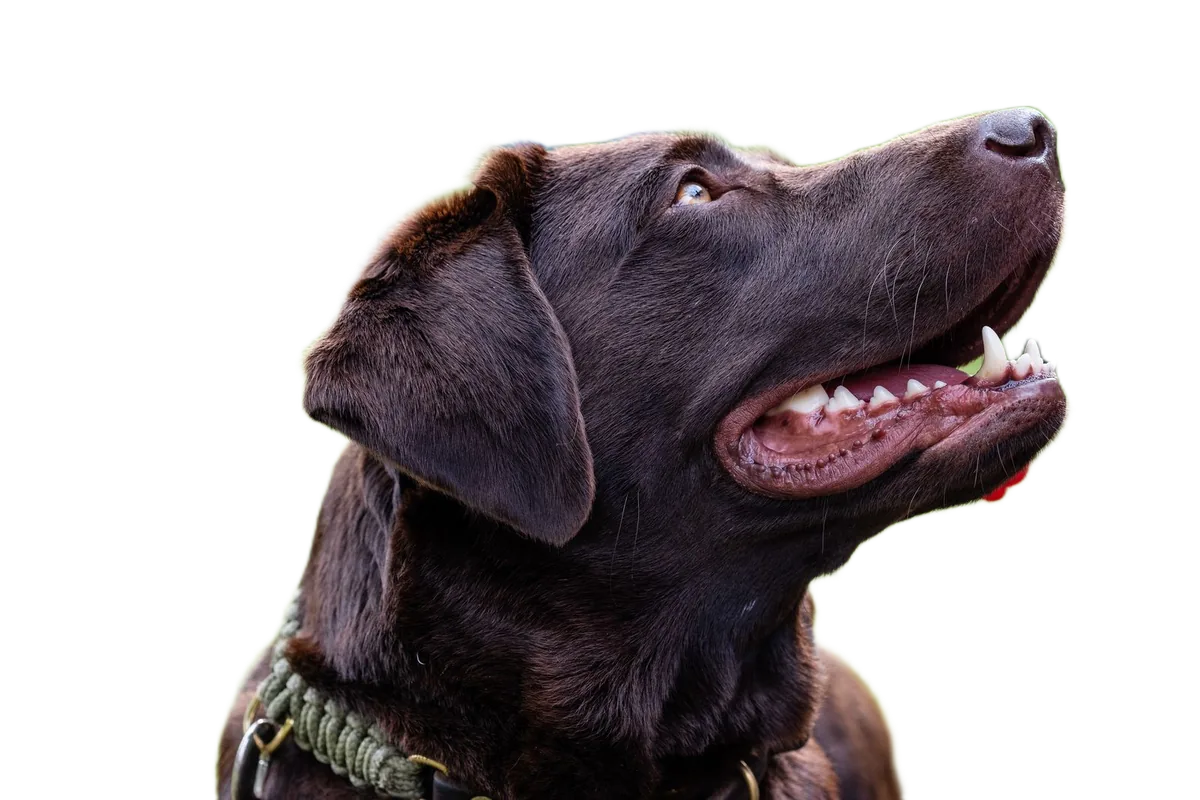
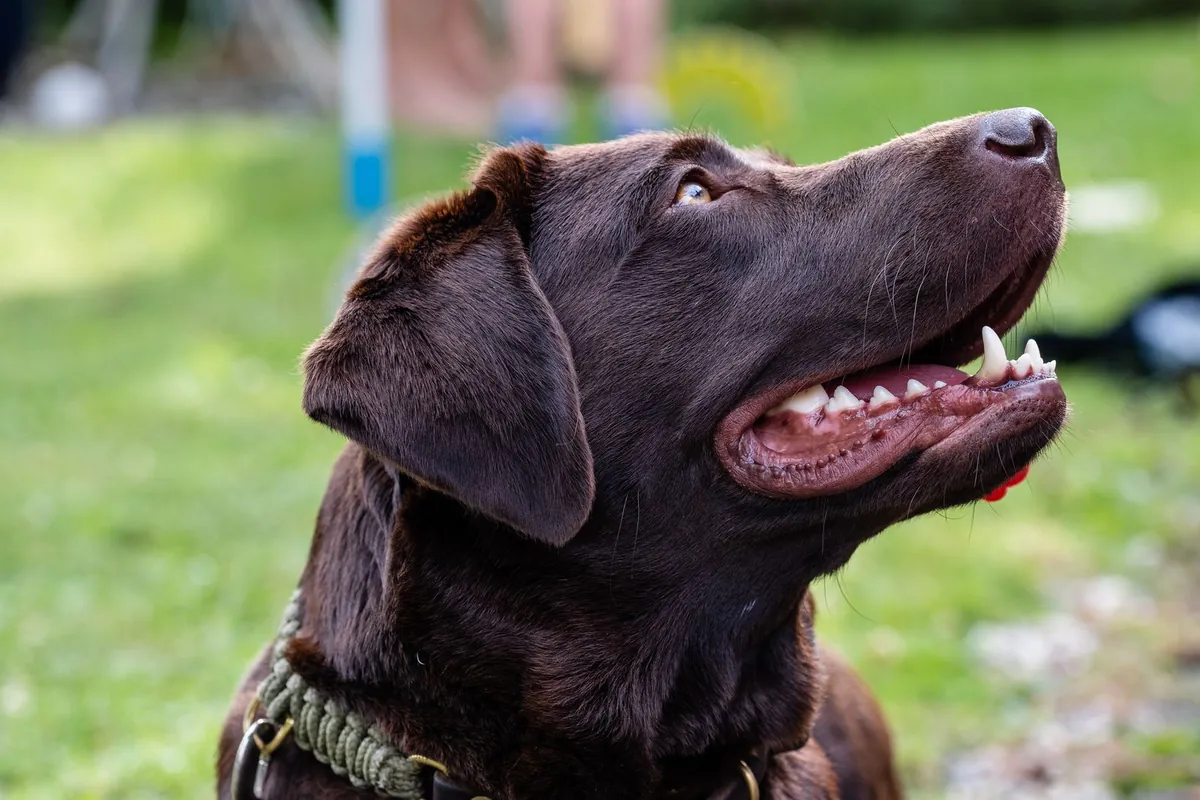
Drag the slider to compare. These are real results from Alphelo, made on a computer with the same model you get in your browser.
How to make a sticker in 3 steps
Add a photo
Choose a photo with a clear subject: a person, a pet or an object. Drop it, paste it, or pick it from your phone or computer.
Check your sticker
The Sticker format is already selected. The background is removed on your device; turn the outline on or off and change its colour and thickness.
Download
Download the WebP for WhatsApp or the PNG for Telegram. Each app has its own steps to add your own stickers, so check them in the app.
Private by design: your photo is never uploaded
With Alphelo, the AI model is downloaded to your browser once and runs on your own device. Your photo is never sent anywhere, so we cannot see, store or recover it. Alphelo sets no cookies and uses no analytics or ads. Details are in our privacy policy.
Free, with no account and no watermark
There are no credits to buy, no sign-up and no watermark on the result. Use it as often as you like.
Tips for a good sticker
Pick a photo where the subject is large and well lit, ideally against a plain or contrasting background. Faces, pets and objects work best. If a small piece of background is left, open Edit cutout and erase it with the brush before you download.
Why the WebP is so small
WhatsApp only accepts stickers under 100 KB. Alphelo saves the WebP at the best quality that still fits, and tells you the final size. Very detailed photos may not fit: in that case try a simpler photo, or use the PNG for Telegram.
Questions
Is the sticker maker free?
Yes. There is no account, no credits and no watermark.
Is my photo uploaded?
No. The AI model runs inside your browser, on your own device, so your photo is never sent to a server.
What size is the sticker?
512 × 512 px, with a transparent background and an optional outline. You can change the outline colour and thickness.
Can I make an animated sticker?
No. Alphelo makes still stickers from photos.